

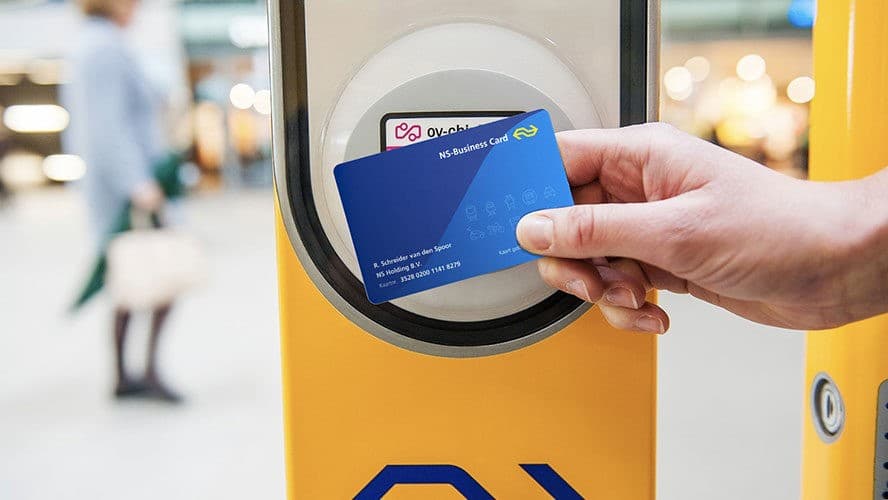
How do I import my NS Business Card?
Unfortunately, you can't link your NS Business Card automatically to claim money back via trein-vertraging.nl. The good news is that in this blog post we've put together a short guide on how to upload the trips from your NS Business Card so you can still get your money back.
- Log in via Mijn NS Zakelijk as the cardholder
- Use the menu to navigate to 'Gemaakte reizen bekijken' (View completed trips)
- Select a start date and end date and click 'Bekijk reizen en transacties' (View trips and transactions)
Tip: set the start date to 3 months ago, so you always know you're importing the maximum number of train trips.
- Download to Excel
In the top right of the image above, you'll see "Download naar Excel" (Download to Excel). This file contains your travel history and can be uploaded at www.trein-vertraging.nl
- Upload your travel history to trein-vertraging.nl
Click the link above to upload your file straight away. We'll look for delays so you can claim your money back. Within 2 minutes you'll know how much money you'll get back!
Questions?
Take a look at our frequently asked questions or get in touch at [email protected]